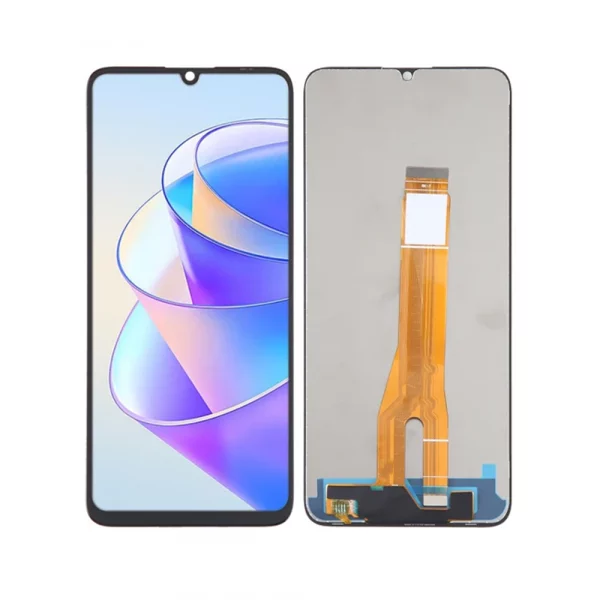
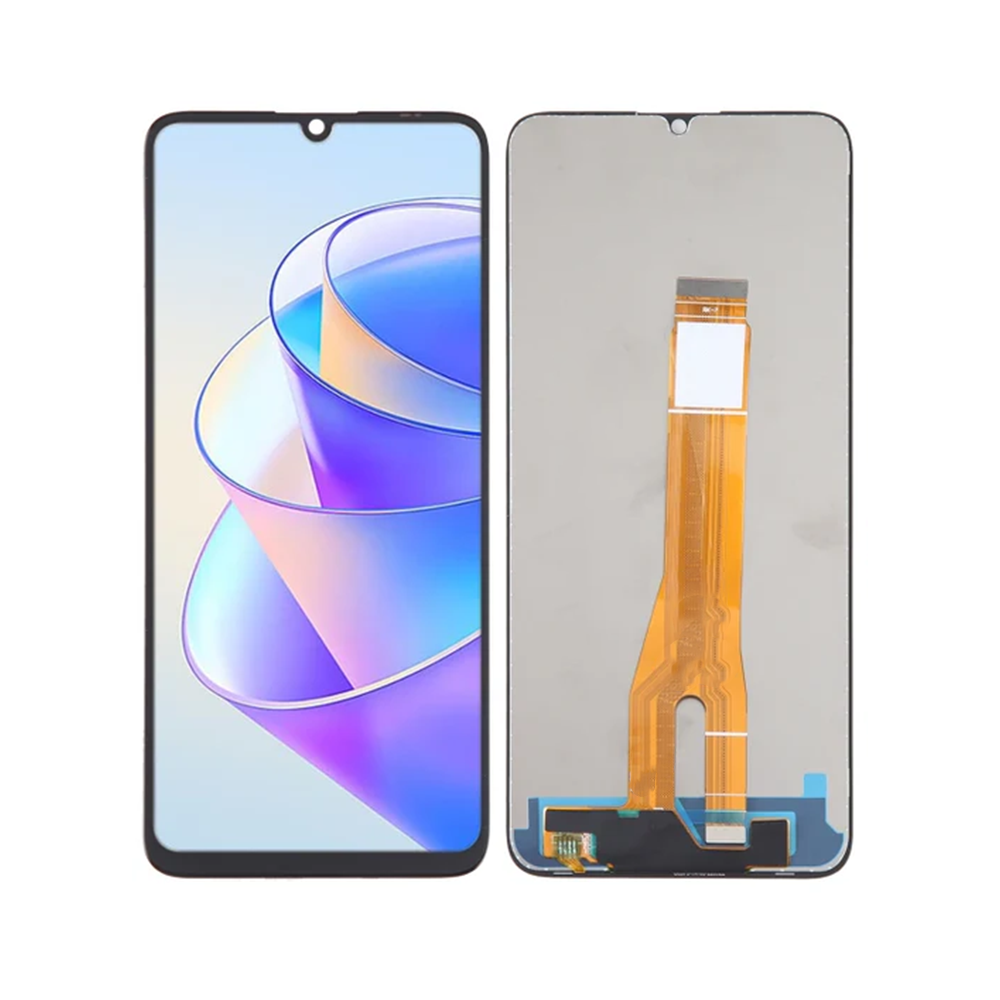
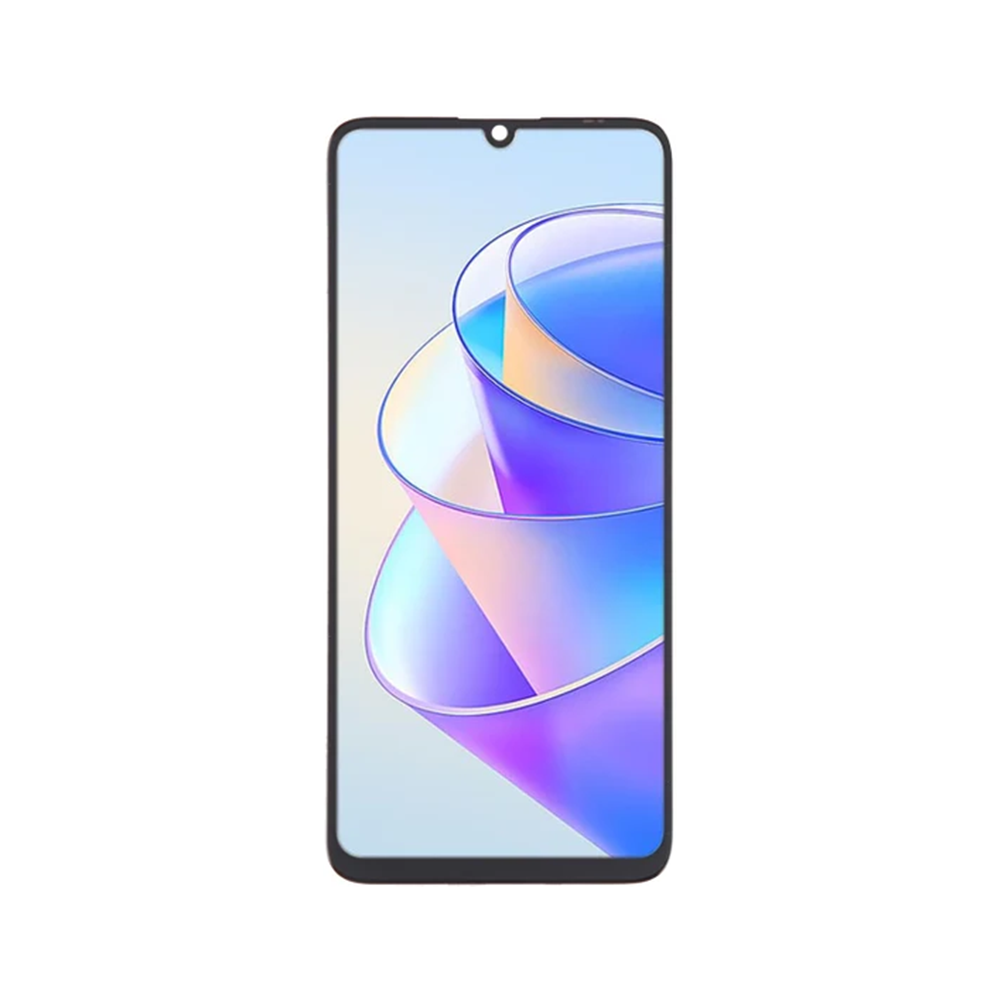
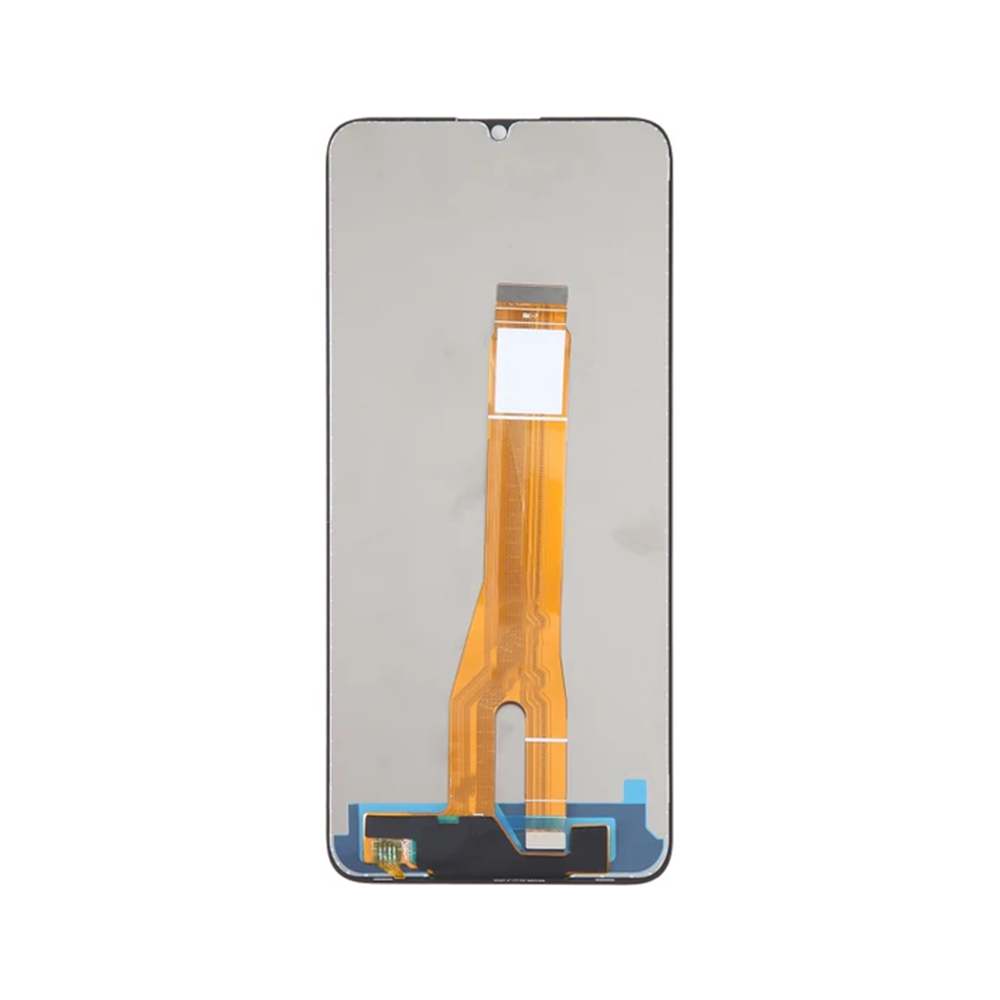
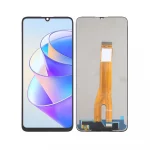
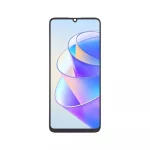
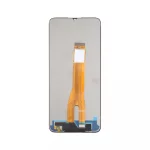
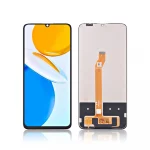
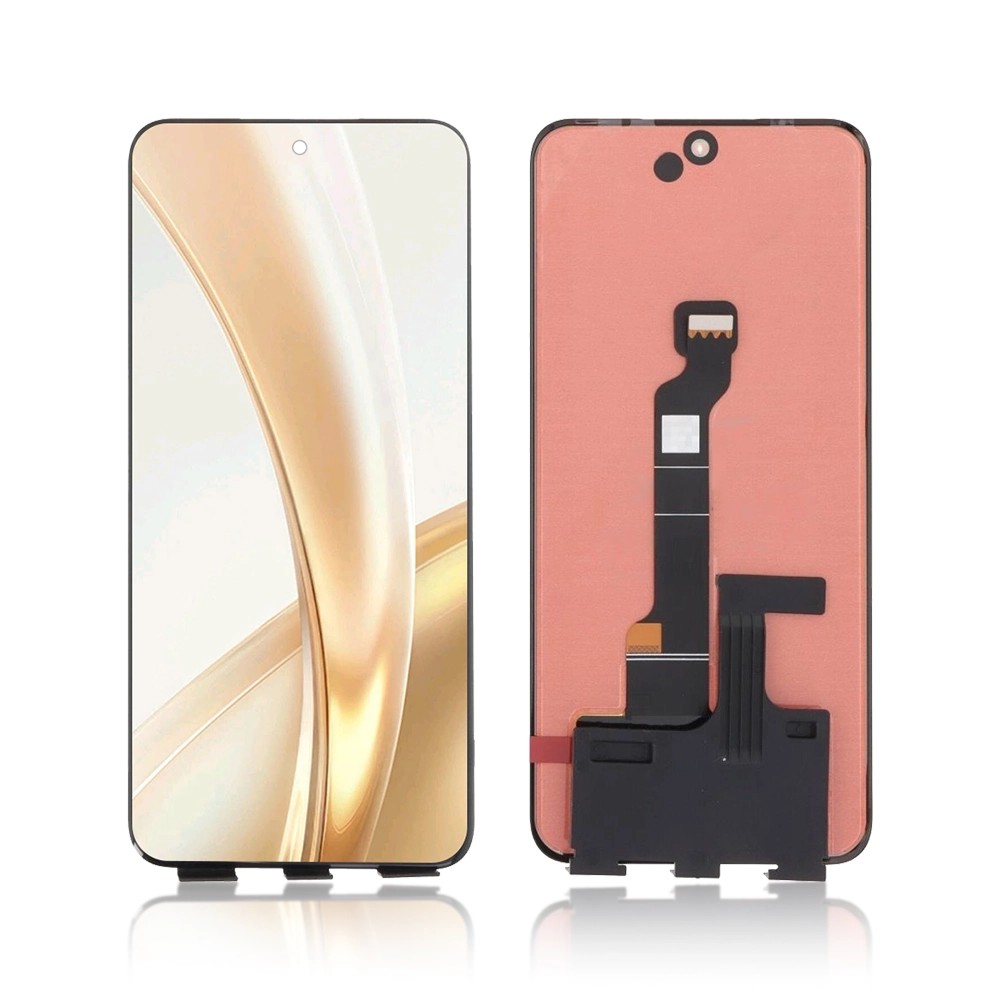
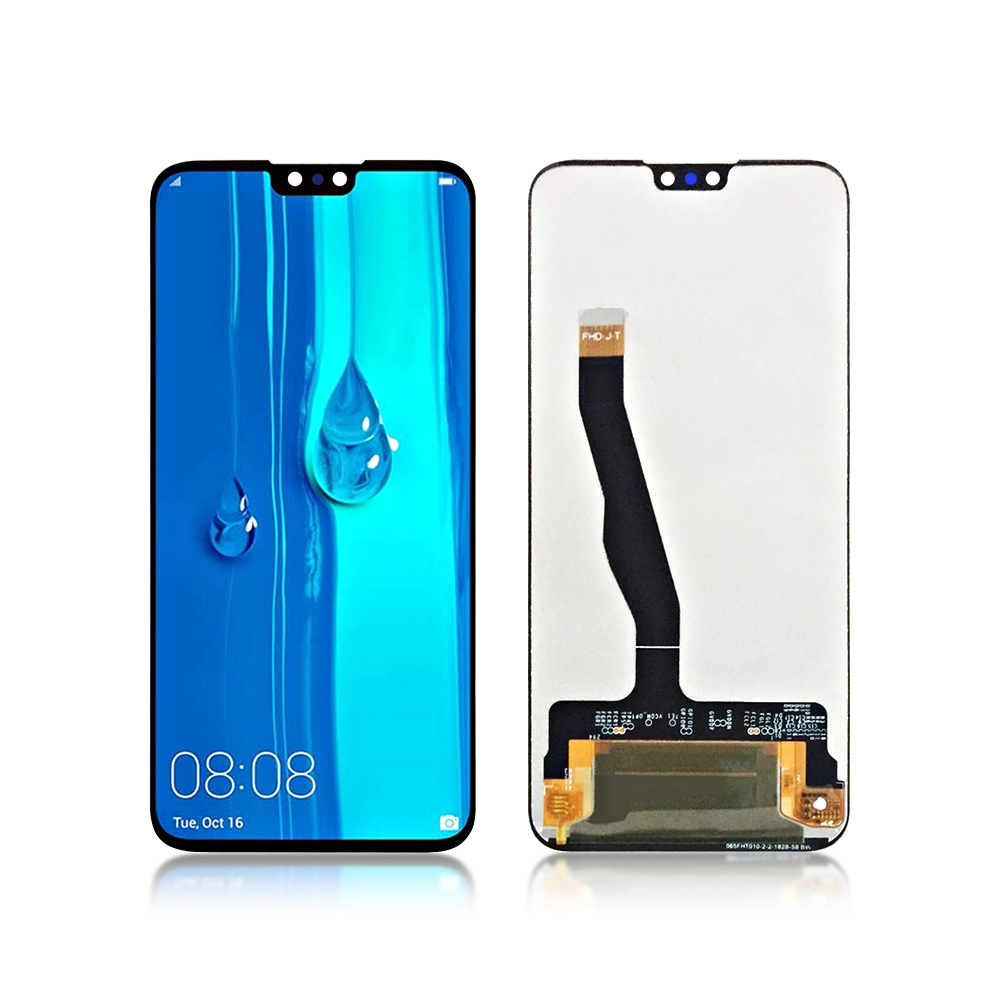
The Replacement LCD Screen Display Touch and Digitizer Assembly for Honor X7a No Frame Black is built to restore your device’s display clarity and touch responsiveness after screen damage. This no frame version is ideal for the Honor X7a model allowing efficient repairs without replacing the original frame. Provided by a reliable wholesale mobile phone parts supplier this assembly offers quality and compatibility for both repair professionals and DIY users.
Key Features:
-
Complete LCD + Touch Digitizer Assembly: Combines the display panel and touch sensor in one unit simplifying the replacement process.
-
No Frame (Black) Version: Supplied without the outer bezel/frame enabling cost effective repairs when the original frame is intact.
-
Precise Compatibility: Designed specifically for the Honor X7a model ensuring proper fit and functionality.
-
Tested Quality: Each unit is quality checked to maintain display clarity and responsive touch functionality.
-
Ideal for Repairs: Perfect for repair shops or DIY users looking to restore device performance without full housing replacement.
Specifications:
-
Model Compatibility: Honor X7a
-
Product Type: LCD Screen Display + Touch Digitizer Assembly No Frame Black
-
Condition: Brand new factory replacement part
-
Supplier: Trusted wholesale mobile phone parts supplier
-
Note: Please verify your exact phone model before ordering to ensure correct compatibility.
Package Includes:
Installation Instructions:
-
Power off your Honor X7a and unplug any connected power source.
-
Open the device carefully disconnect the battery if accessible then remove the original screen assembly.
-
Align and connect the new LCD + digitizer assembly taking care to properly seat all connectors.
-
Power on the device to test the display and touch functionality before closing the device fully.
-
Once confirmed secure the new assembly and reassemble the device.
TM



Reviews
Clear filtersThere are no reviews yet.