Overview:
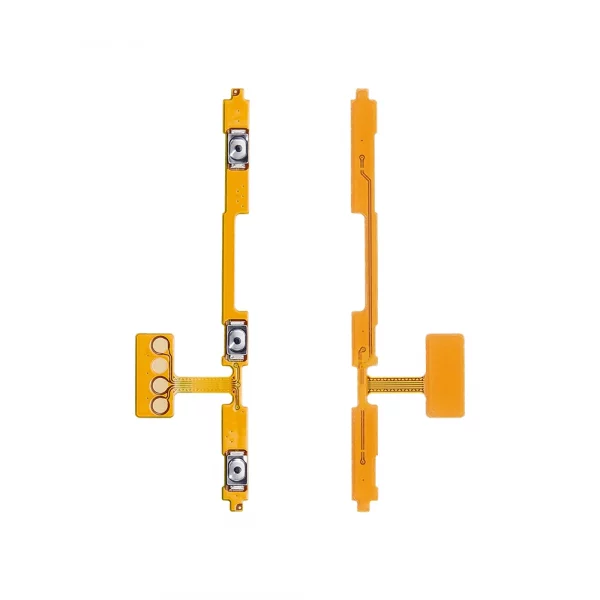
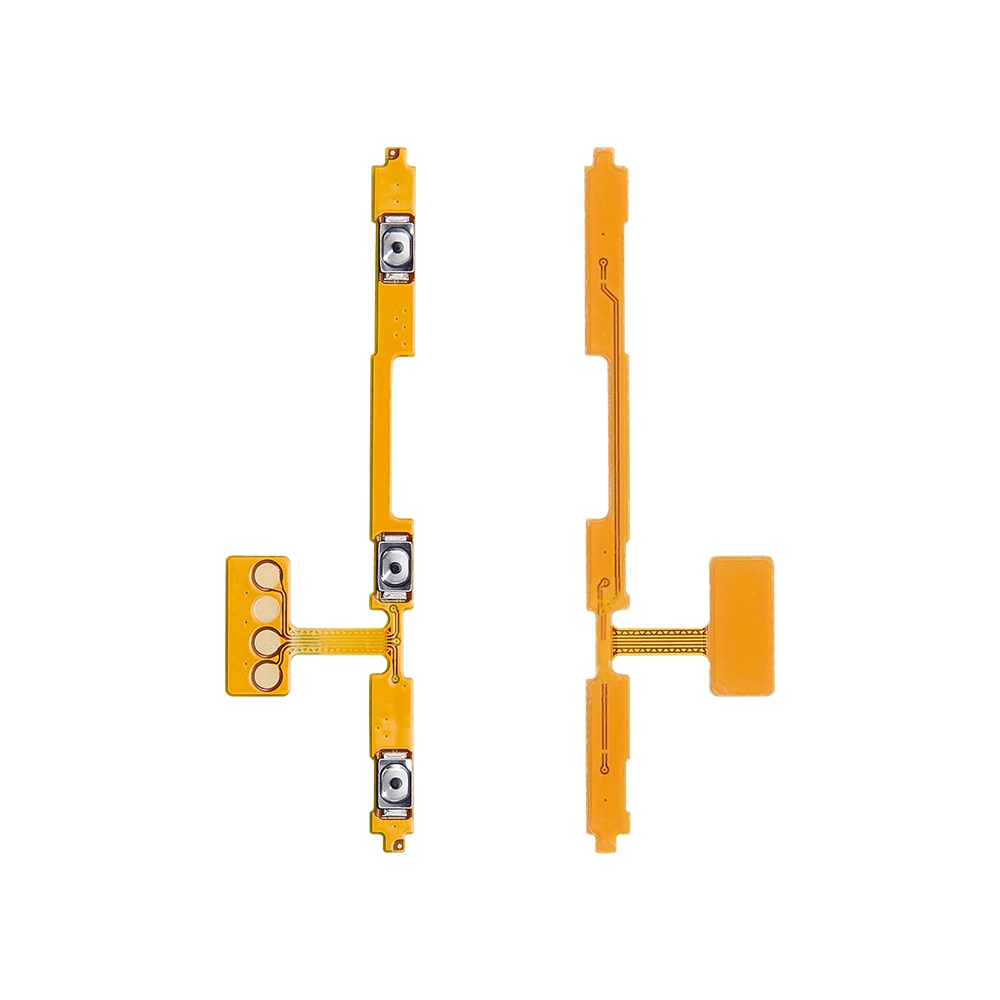
The Replacement Power Flex for Samsung Galaxy A26 is designed to restore your device’s power functionality. If your device is experiencing issues such as the power button not responding, the device not turning on/off, or the power button being physically damaged, this replacement part is the ideal solution.
Key Features:
-
OEM-Compatible: Matches the original specifications for a perfect fit and reliable performance.
-
Durable Build: Made from high-quality materials to ensure longevity and resistance to wear.
-
Easy Installation: Simple to install with the appropriate tools and technical know-how.
-
Restores Power Functionality: Resolves issues related to the power button and device power management.
Specifications:
-
Compatibility: Samsung Galaxy A26 (A266B)
-
Type: Power Flex Cable
-
Material: High-quality PCB with gold-plated connectors
-
Length: Standard OEM size
-
Color: Black (as per OEM specifications)
Package Includes:
Installation Instructions:
-
Power Off Device: Ensure your device is completely powered off before starting the replacement process.
-
Remove Back Cover: Use a heat gun or hairdryer to soften the adhesive, then carefully pry open the back cover using a plastic pry tool.
-
Disconnect Battery: Locate the battery connector and disconnect it to prevent any electrical shorts.
-
Remove Damaged Power Flex: Unscrew any screws securing the damaged power flex, then gently disconnect it from the motherboard.
-
Install New Power Flex: Align the new power flex with the connector on the motherboard and press it into place. Secure any screws that were removed.
-
Reconnect Battery: Reconnect the battery connector.
-
Reassemble Device: Carefully place the back cover back onto the device and press around the edges to secure the adhesive.
-
Power On Device: Turn on your device to test the new power flex.








Reviews
Clear filtersThere are no reviews yet.